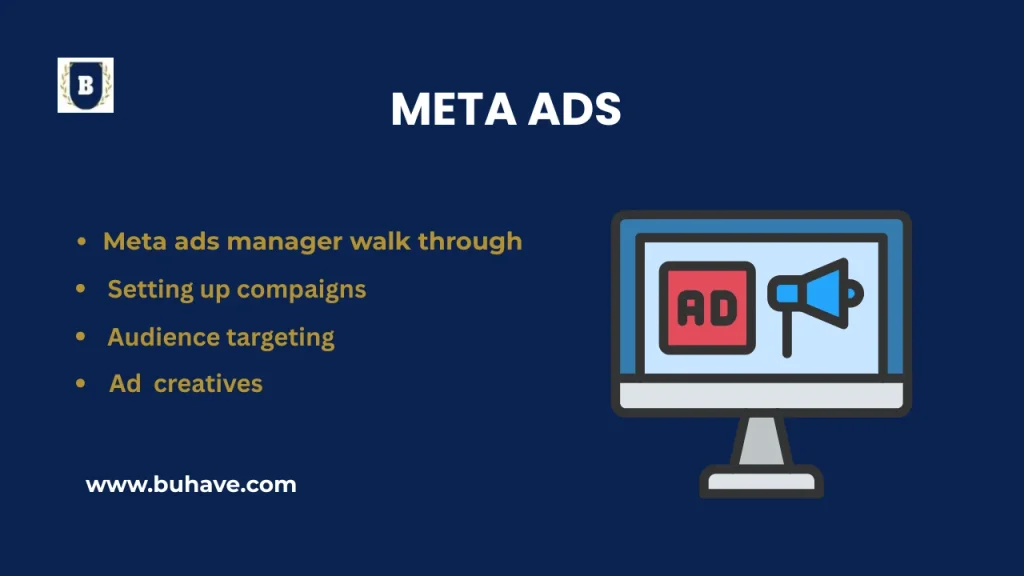
Running Facebook and Instagram ads through Meta Ads Manager can be powerful—if you know how to use it. This step-by-step guide helps you set up and manage Meta ad campaigns effectively, aligned with platform-specific strategies for Facebook and Instagram. For a broader overview of social marketing basics, see our Introduction to Social Media Marketing.
1. Accessing Ads Manager
- Direct Link: adsmanager.facebook.com
- From Facebook: Menu → Ads Manager
Note: Make sure you’re logged in using a Business Account, not just your personal profile.
2. Understanding the Ad Structure
Meta Ads are structured in three levels:
- Campaign – Defines your objective (e.g., Sales, Traffic)
- Ad Set – Sets targeting, budget, schedule, and placements
- Ad – The actual creative (image, video, text, CTA)
Think of it as:
Campaign = Goal
Ad Set = Strategy
Ad = Content
For more on measuring and optimizing your campaigns, see Analytics and Optimization.
3. Creating a Campaign
Click Create in Ads Manager and choose your campaign objective:
- Sales – For online purchases
- Leads – To collect emails, calls, or messages
- Traffic – To drive users to your site or app
- Engagement – Boost likes, comments, shares
- App Promotion – Promote mobile app installs
- Awareness – Increase brand visibility
Tip: Start with Sales, Traffic, or Leads if you’re new.
To align your objectives with best practices, check Goals and Conversion Tracking.
4. Setting Up the Ad Set
A. Conversion Location
- Website
- App
- Messenger / WhatsApp
- Phone Calls
B. Budget & Schedule
- Daily Budget or Lifetime Budget
- Start/end date (optional)
C. Audience Targeting
- Location: e.g., Pakistan, USA
- Age & Gender
- Interests & Behaviors (e.g., “Online Shopping”)
D. Placements
- Advantage+ Placements (Recommended)
- Manual: Instagram Feed, Stories, etc.
See also our guide on Ad Extensions & Assets to maximize your creative assets in Ads Manager.
5. Creating the Ad (The Creative Part!)
A. Identity
Choose your Facebook Page and Instagram Account.
B. Format
- Single Image or Video
- Carousel (multiple visuals)
- Collection (with product grid)
C. Media
Upload your image/video or select from your Page library.
D. Text & CTA
- Primary Text: Main message or hook
- Headline & Description: Eye-catching lines
- CTA: Shop Now, Learn More, Sign Up, etc.
E. Destination
Insert your website URL, WhatsApp link, or landing page.
For optimization of ad assets, consult Ad Extensions & Assets.
6. Review & Launch
Meta will review your ad before it goes live (usually takes a few hours). Once approved, it starts running as per your schedule.
7. Monitor Performance
- Track reach, clicks, CTR, cost per result
- Use breakdowns (by age, gender, device)
- Pause or edit underperforming ads
Pro Tip: Use Facebook Pixel for better tracking and test multiple creatives.
For ongoing optimization, refer to Analytics and Optimization.
Meta Campaign Objectives Explained
1. Awareness
Goal: Reach more people
Use When: Launching a new business
Example: Clothing brand launch in Pakistan
2. Traffic
Goal: Get website or WhatsApp visits
Example: Drive traffic to Printful t-shirt store
3. Engagement
Goal: Boost likes, shares, and video views
Example: Promote viral reels or contests
4. Leads
Goal: Collect emails, phone numbers
Example: Lead generation for services via WhatsApp
5. App Promotion
Goal: Boost installs and in-app actions
Example: Romantic storytelling app promotion
6. Sales (Conversions)
Goal: Generate purchases and sales
Example: Track real-time sales on Shopify store
Audience Targeting Types in Meta
1. Core (Saved) Audiences
Target based on location, age, gender, interests, and behaviors.
2. Custom Audiences
Target people who’ve already interacted with you (site visitors, engagers, email lists).
3. Lookalike Audiences
Reach new people similar to your best customers.
Ad Creative Formats with Tips
| Format | Best For | Example |
|---|---|---|
| Single Image | Product offers, testimonials | “50% Off T-Shirt” promo |
| Video | Stories, reels, tutorials | Reel showing product in action |
| Carousel | Multiple products, comparisons | Showcase couples’ t-shirt sets |
| Collection | E-commerce grids | Product bundle in a fullscreen experience |
Creative Tips:
- Use branded fonts and colors
- Minimize image clutter
- Add captions to videos
- Always use a strong CTA
Need more guidance on improving ad assets? Explore our Ad Extensions & Assets resources.
Funnel Strategy (TOFU, MOFU, BOFU)
| Funnel Stage | Audience Type | Goal |
|---|---|---|
| Top of Funnel (TOFU) | Core / Lookalike | Awareness / Traffic |
| Middle of Funnel (MOFU) | Custom (Engagers) | Engagement / Leads |
| Bottom of Funnel (BOFU) | Custom (Website Visitors) | Sales / Conversions |
Quick Setup Summary
- Go to Meta Ads Manager
- Click “Create”
- Select Campaign Objective
- Build Ad Set (Targeting, Budget, Placements)
- Design Your Ad (Media, Copy, CTA)
- Publish
Need Help Creating Your Ad?
Tell us what you’re promoting, your goal, and what type of ad you’re thinking. We’ll help you build and optimize your ad for success!
Need more hands-on guidance? Check our Platform-Specific Strategies for Facebook and Instagram.