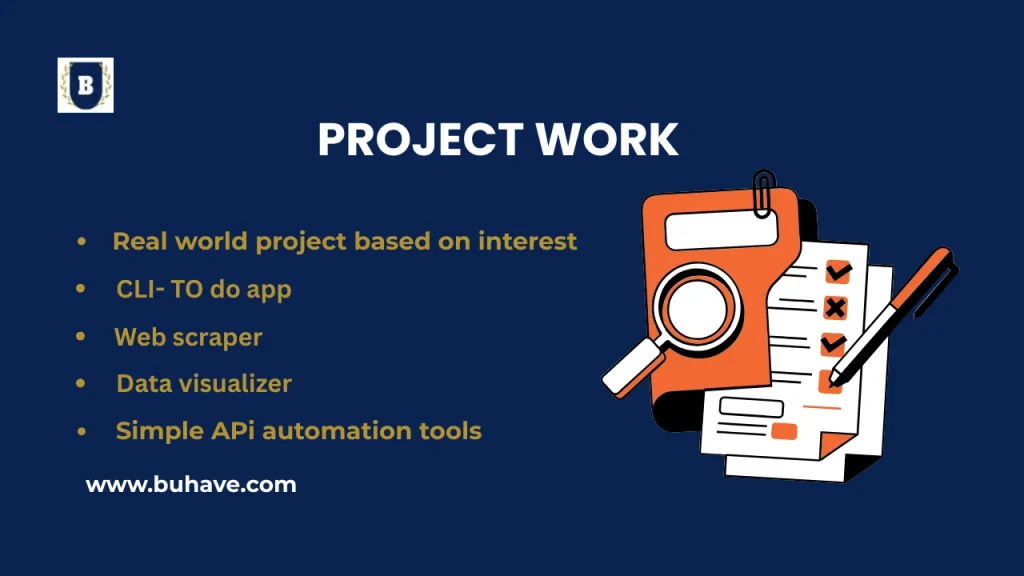
Real-World Python Projects (Based on Your Interests)
Explore a range of Python projects—from PPC dashboards to CLI apps and web scrapers—designed for marketers, developers, and curious learners who want real-world tools. If you’re new to Python libraries, see our guide on working with external libraries.
Project 1: PPC Campaign Performance Dashboard
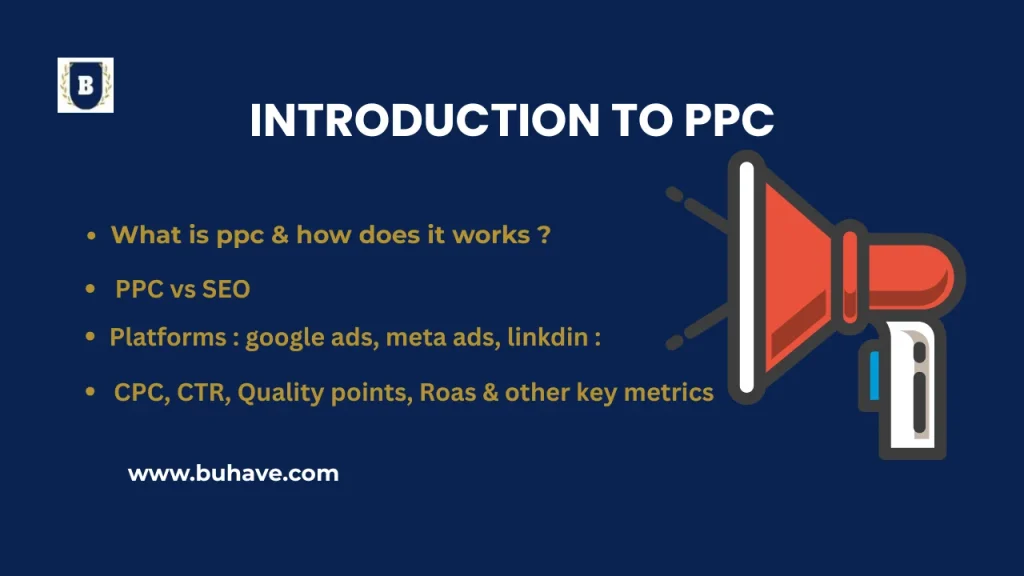
Use Python to automate and visualize PPC (Pay-Per-Click) advertising data from Google Ads or Facebook Ads. For PPC fundamentals, see the Introduction to PPC.
What the Project Does
- Connects to ad platforms via API or CSV.
- Leverages external libraries like
requestsandpandasfor data fetching and analysis. - Analyzes marketing metrics like CPC, CTR, CPA, ROI.
- Visualizes campaign performance using charts.
- Sends automated reports via email.
- Supports multiple client dashboards.
Tools & Libraries
| Purpose | Tool/Library |
|---|---|
| Data fetching | requests, Google Ads API |
| Data analysis | pandas |
| Visualization | matplotlib, plotly, seaborn |
| Automation | schedule, cron, apscheduler |
| Reporting | xlsxwriter, pdfkit |
| smtplib, email.mime |
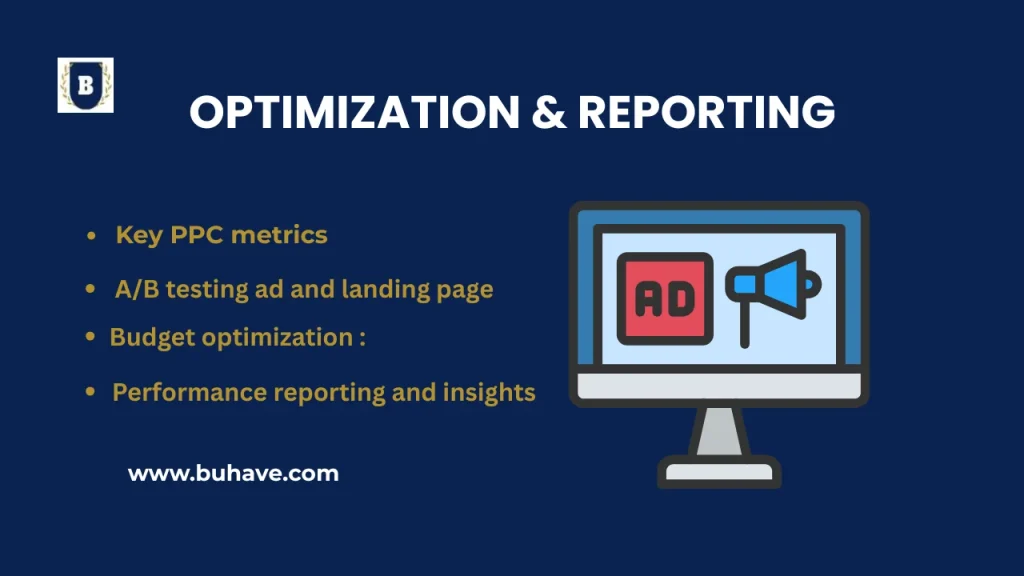
For PPC fundamentals, explore our Introduction to PPC and learn how to optimize campaigns in Optimization & Reporting.
Steps
- Set up virtual environment & install packages
- Connect to Google Ads API or load CSV data
- Fetch and store campaign data
- Analyze KPIs using pandas
- Create visual reports with matplotlib or plotly
- Export results to PDF or Excel
- Automate and send email reports
Bonus Features
- Build a web dashboard with Flask or Streamlit
- Add real-time updates via Google Sheets API
- Create styled HTML reports using Jinja2
Reusability
- Serve multiple ad accounts
- Use as a teaching tool
- Showcase in your portfolio
Project 2: CLI To-Do List App
This beginner-friendly command-line app teaches you file handling, modular code, and data persistence. For broader Python project workflows, see our Next Steps guide.
Key Features
- Add, view, complete, and delete tasks
- Save/load tasks from a file
- Simple terminal UI with argparse
File Structure
todo_app/
├── todo.py
├── storage.py
├── cli.py
└── tasks.json
Sample Code
def add_task(tasks, description): task = {"description": description, "done": False} tasks.append(task) def save_tasks(tasks, filename="tasks.json"): with open(filename, "w") as f: json.dump(tasks, f, indent=4) Bonus Features
- Due dates and sorting
- Priority levels
- Export to PDF
- Use rich library for CLI styling
Reusability
- Store tasks for multiple projects
- Use as a teaching tool
- Showcase in your portfolio
Project 3: Web Scraper
Automate the collection of public data from websites using Python.
Tools
| Purpose | Library |
|---|---|
| HTTP requests | requests |
| HTML parsing | BeautifulSoup |
| Data structuring | pandas |
| Delay handling | time, random |
| Scheduling | schedule, cron |
Workflow Example: Scraping Headlines
- Install packages:
pip install requests beautifulsoup4 - Send HTTP request and parse HTML
- Use
soup.find_all("h3")to get headlines - Save to CSV file
- Add delays between requests to avoid blocking
Ethical Tips
- Check robots.txt
- Scrape only public info
- Respect site limits
Bonus Features
- Turn into CLI or Flask app
- Use Selenium for JavaScript-heavy sites
- Schedule regular scraping jobs
Project 4: Data Visualizer
Create interactive and static charts from CSVs or APIs to visualize insights.
Tools
| Purpose | Library |
|---|---|
| Data analysis | pandas |
| Static plots | matplotlib, seaborn |
| Interactive charts | plotly, altair |
| Dashboard | Streamlit, Tkinter |
For more on Python data visualization libraries, see our guide on working with external libraries.
Visualizations You Can Build
- Line chart – Revenue over time
- Bar chart – Sales by product
- Pie chart – Market share
- Scatter plot – Revenue vs Units Sold
Bonus Ideas
- Streamlit dashboard for user input
- Filter by category or date
- Export visuals as images or PDFs
Project 5: Simple API or Automation Tool
Create a small API or automate daily tasks using Python.
For a deeper dive into building APIs and automation workflows, see our Next Steps guide.
Project Options
- Flask-based quote or task API
- Daily email reports using smtplib
- File organizer or scraper automation
Tools
| Use Case | Library |
|---|---|
| API Development | Flask, FastAPI |
| Automation | os, shutil, schedule |
| Emailing | smtplib |
| Parsing | argparse, json |
Flask API Example
from flask import Flask, jsonify
import random app = Flask(__name__) @app.route("/joke")
def get_joke(): return jsonify({"joke": random.choice(["Why did the dev quit?", "Java devs wear glasses..."])}) app.run(debug=True)
Email Automation Example
import schedule, time schedule.every().day.at("08:00").do(send_email, "Update", "Here’s your daily update", "to@example.com") while True: schedule.run_pending() time.sleep(60) Final Thoughts
These Python projects help you build strong foundations in:
- Marketing analytics
- Automation scripting
- API development
- Web scraping
- Data visualization
If PPC workflow is a focus, see our Optimization & Reporting guide for practical insights. Use them to create portfolio-worthy work, automate real problems, or turn them into mini-courses. Need help starting? Let’s build together!